
Features
Everything on this page works in Custos today. What we are building next is on Coming next.
Incidents
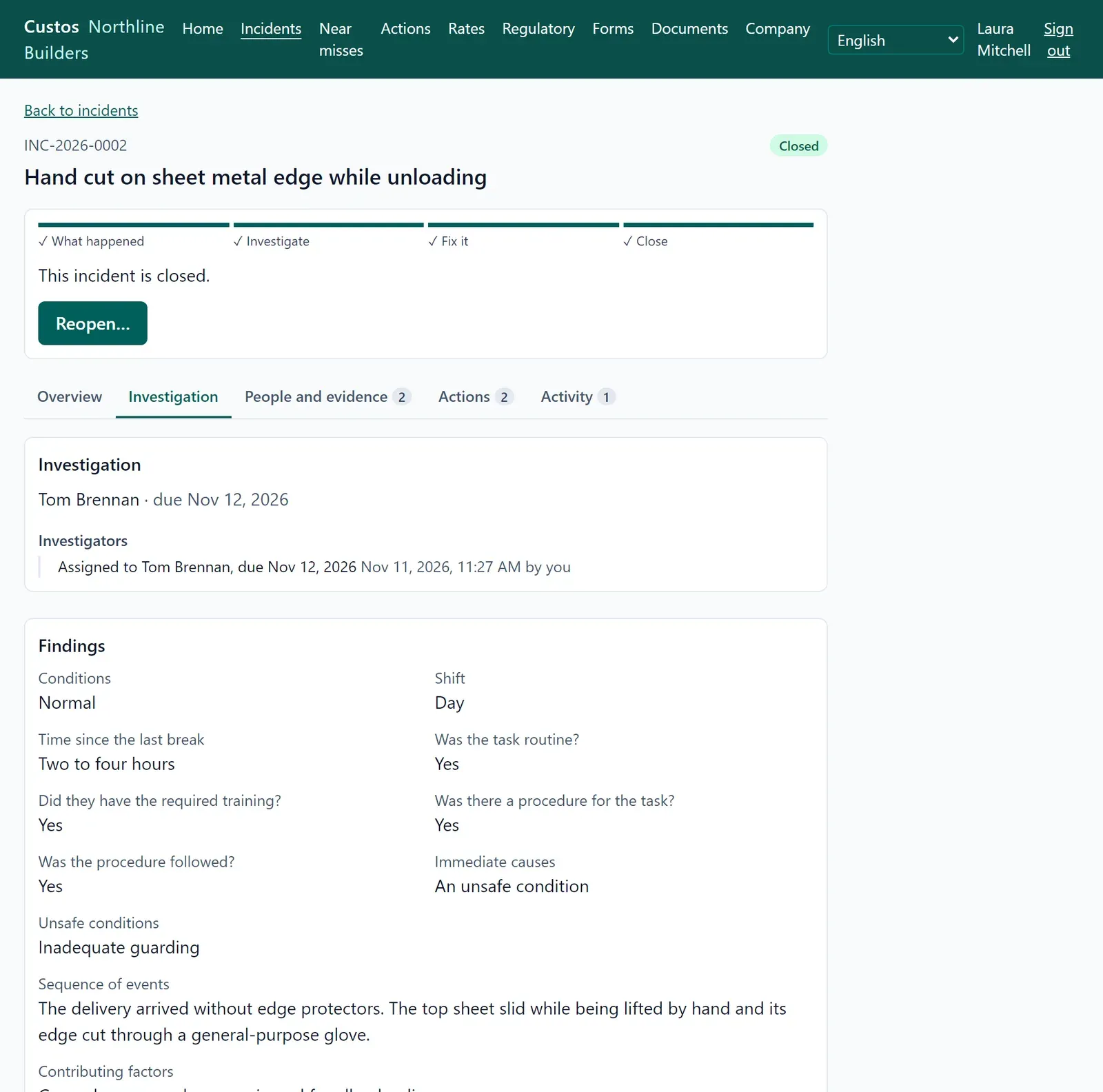
Section titled “Incidents”Someone was hurt, something was damaged or released, or someone saw a hazard. Anyone may report it from a phone or a computer, with or without a signal, and add photos, the people involved and their injuries.
The report then follows clear steps until it is closed. A supervisor names an investigator, who records the findings and the root cause: with the 5 Whys, in their own words, or by category. The investigator creates the corrective actions, and a safety manager approves the closure. An incident cannot close while an action is still open. Comments and the full history of who did what stay with the incident.
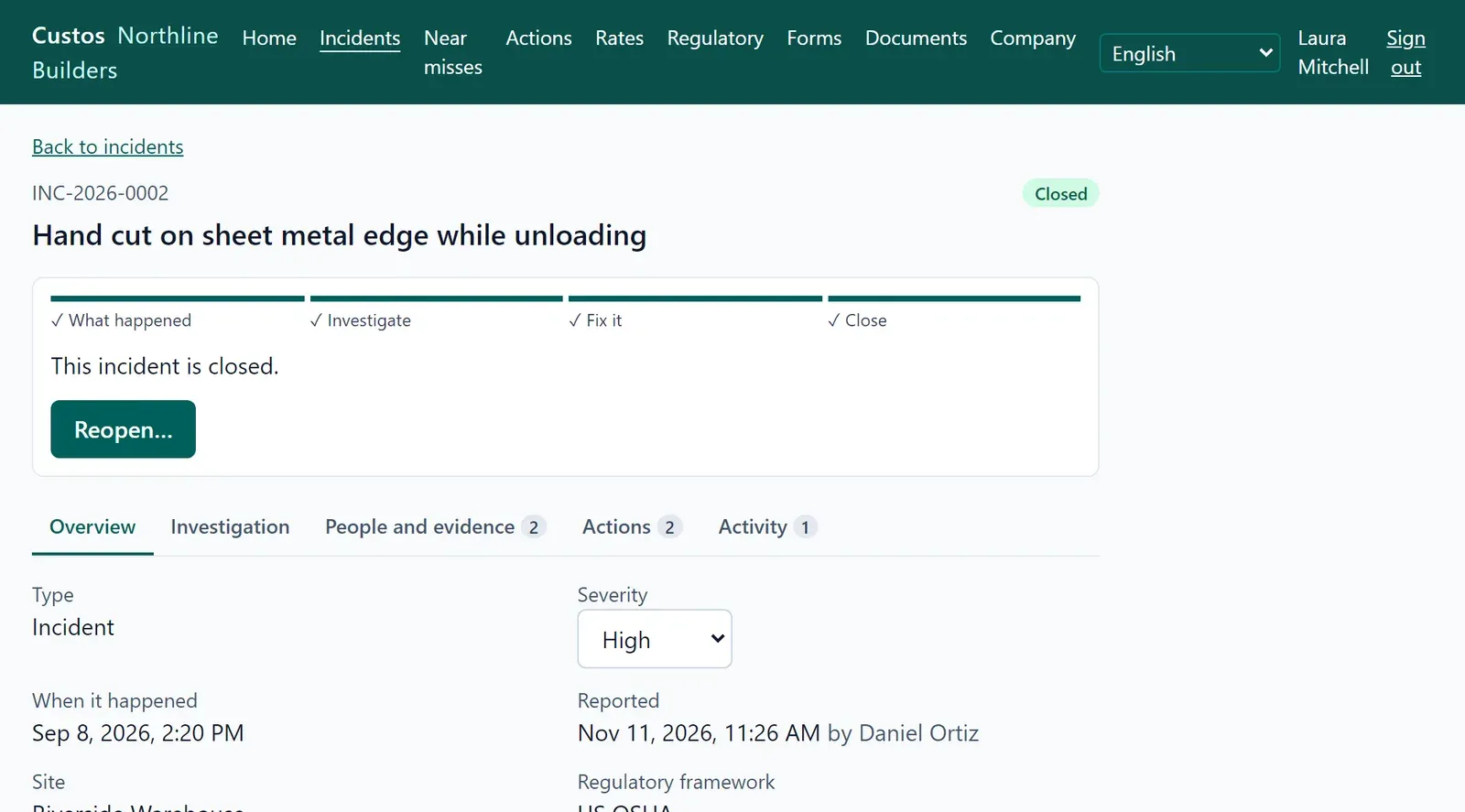
Reporting an incident · Investigating an incident
Near misses
Section titled “Near misses”Nobody was hurt, but someone could have been. A near miss takes less than a minute to report, so people report more of them. A supervisor reviews each one and decides whether something must change. If it must, a corrective action is created from the near miss.
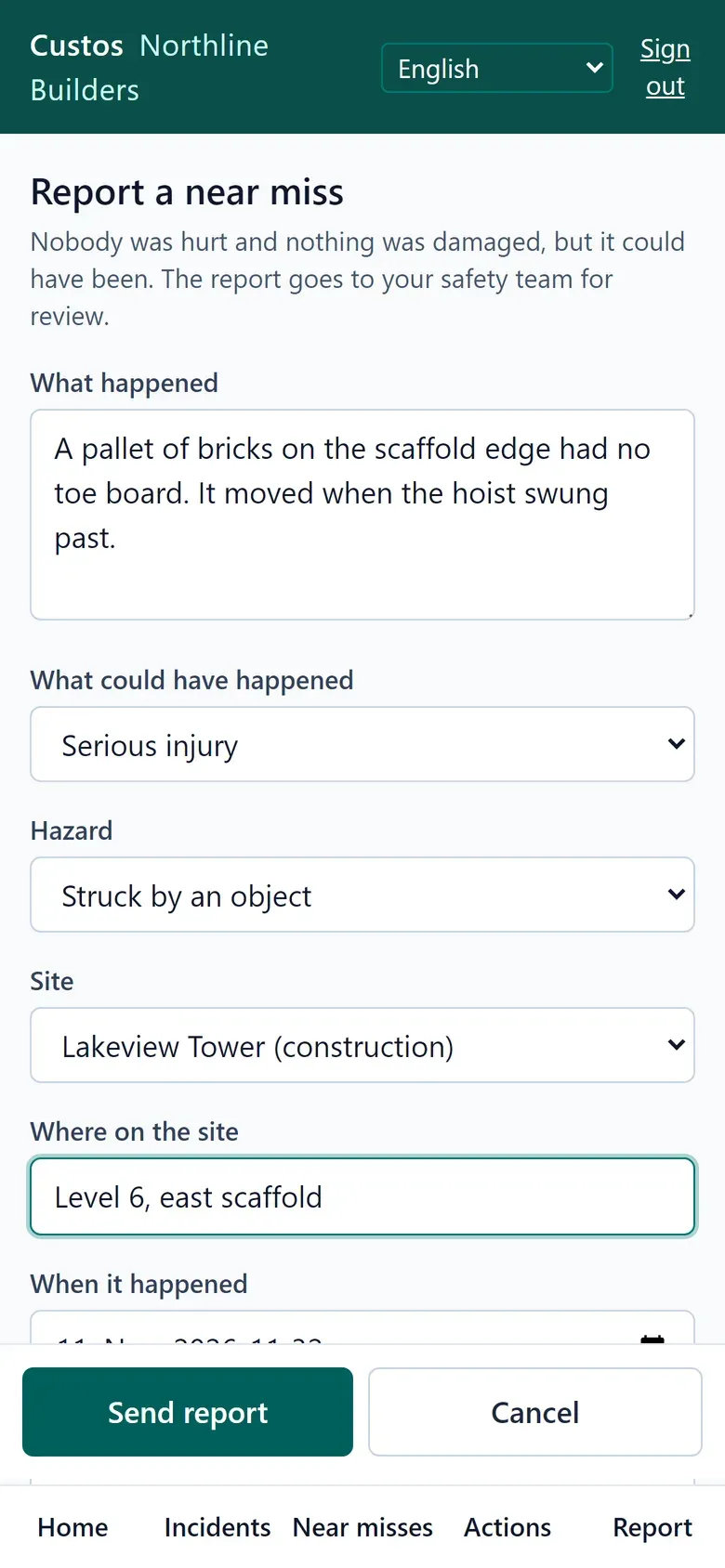
Reporting a near miss · Reviewing a near miss
Corrective actions
Section titled “Corrective actions”Each action has an owner, a due date and a second person who verifies the work was really done. The owner describes what was done and adds photos as evidence. Actions come from incidents, near misses and failed checklist items, or are created on their own. Overdue ones stand out on the dashboard and in the lists.
Forms and checklists
Section titled “Forms and checklists”A safety manager builds the company’s own forms and checklists in the browser: short and long text, numbers, dates, yes / no / N/A, single and multiple choice, pass / fail items. A preview shows them as they will be filled in. A published version never changes, so earlier answers always stay as they were filled in.
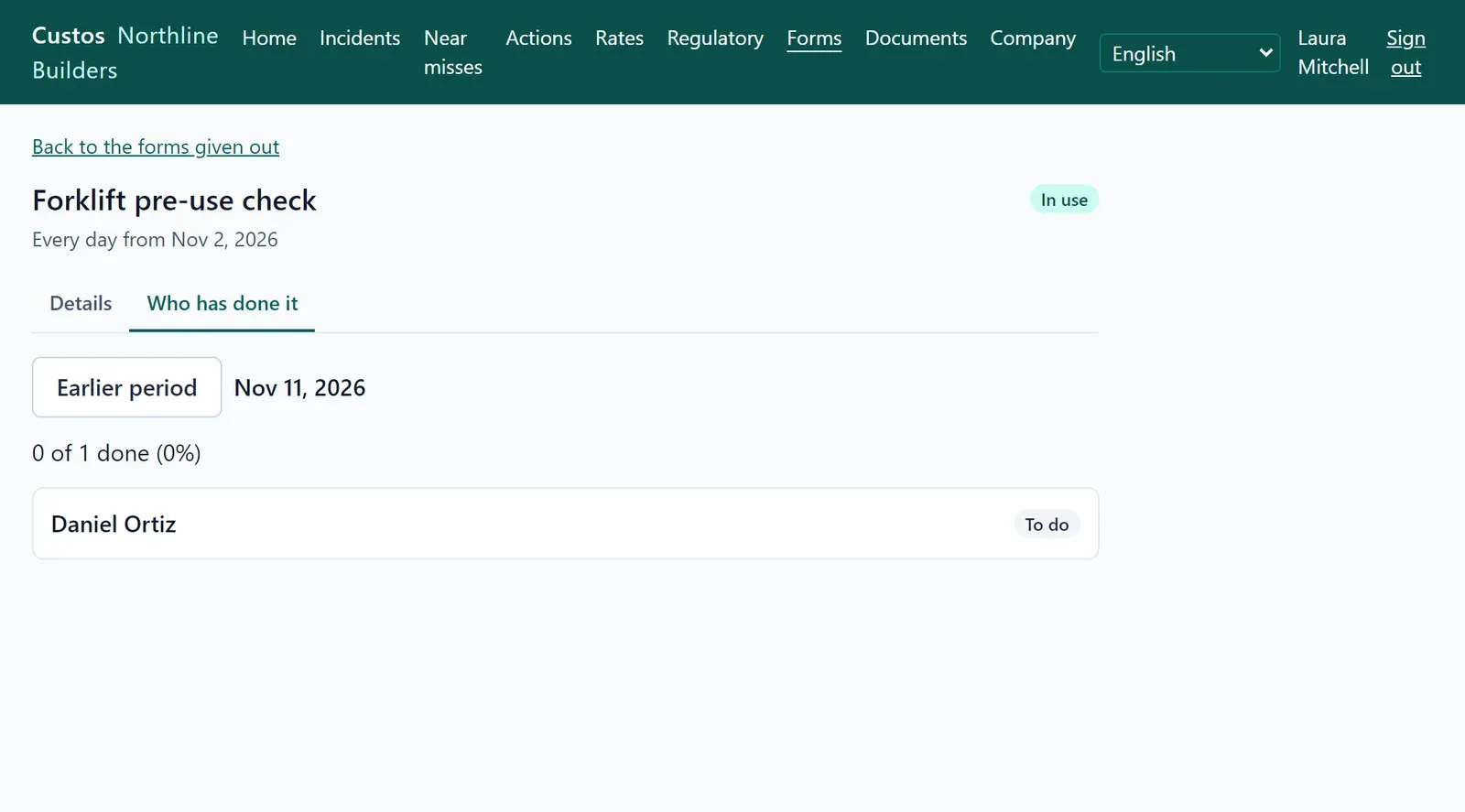
Forms are given to roles or named people at a site, once by a due date or again every day, week or month. Custos shows who has done them and who has not. People fill them in on the phone, without a signal if need be. A failed checklist item can start a corrective action on the spot. Every submitted form is kept as a PDF.
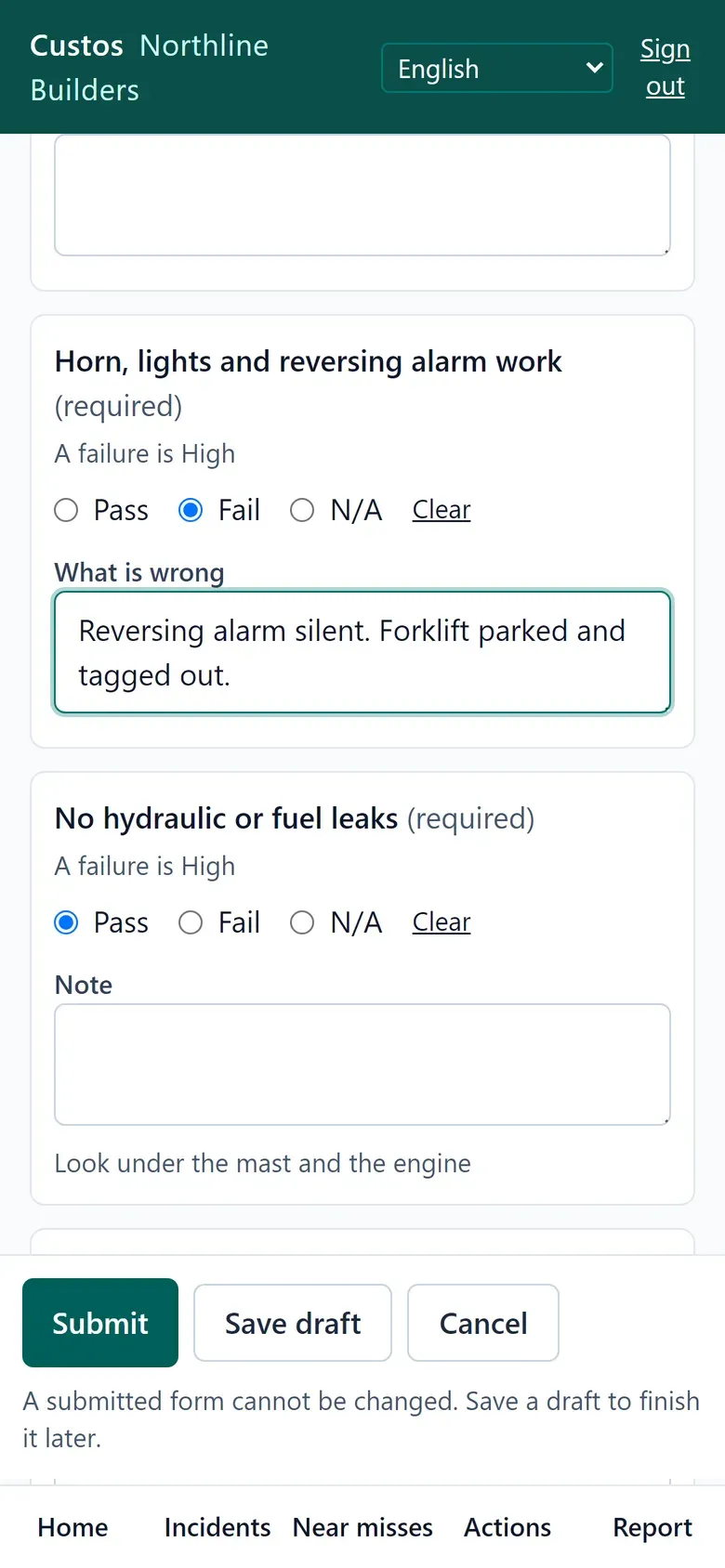
Designing forms and checklists · Giving forms out · Filling in forms and checklists
Read-and-sign documents
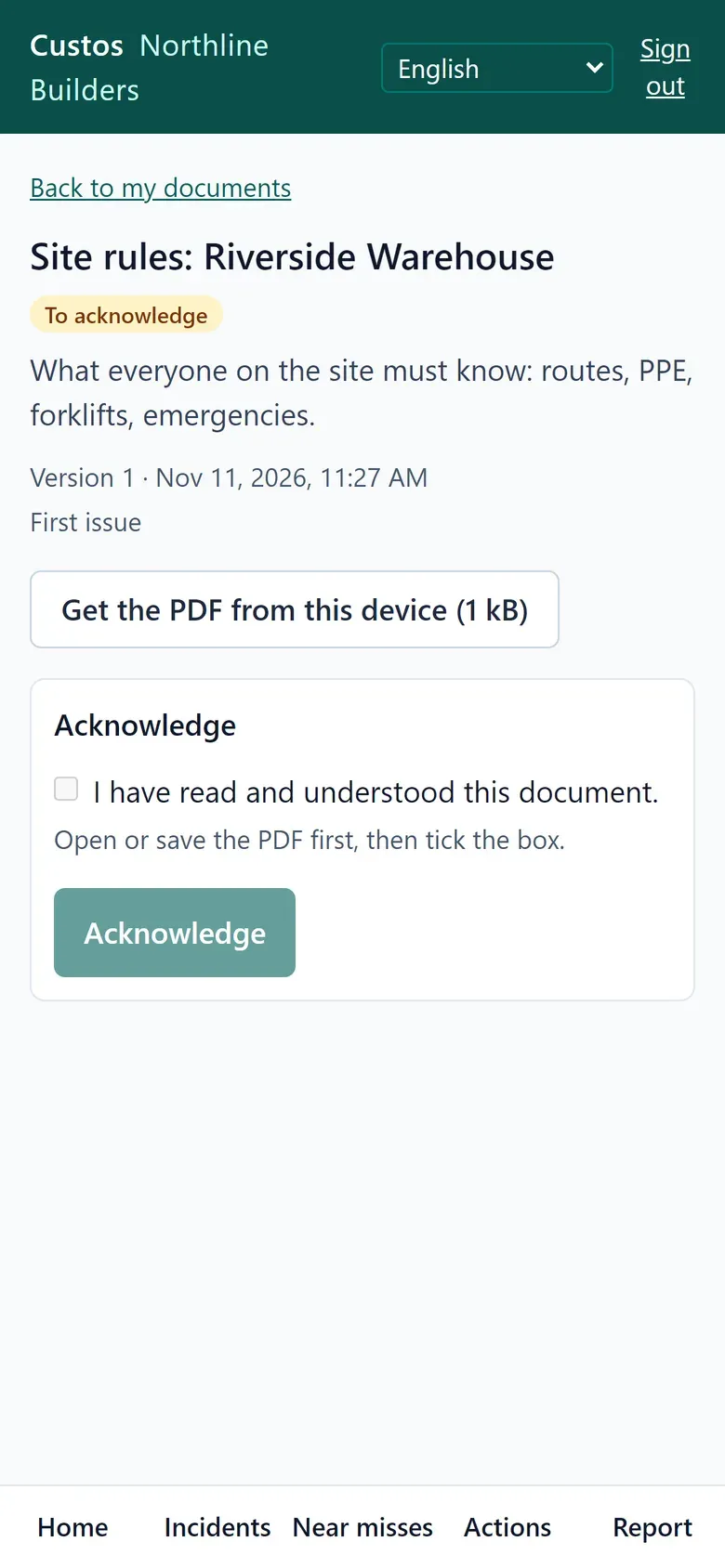
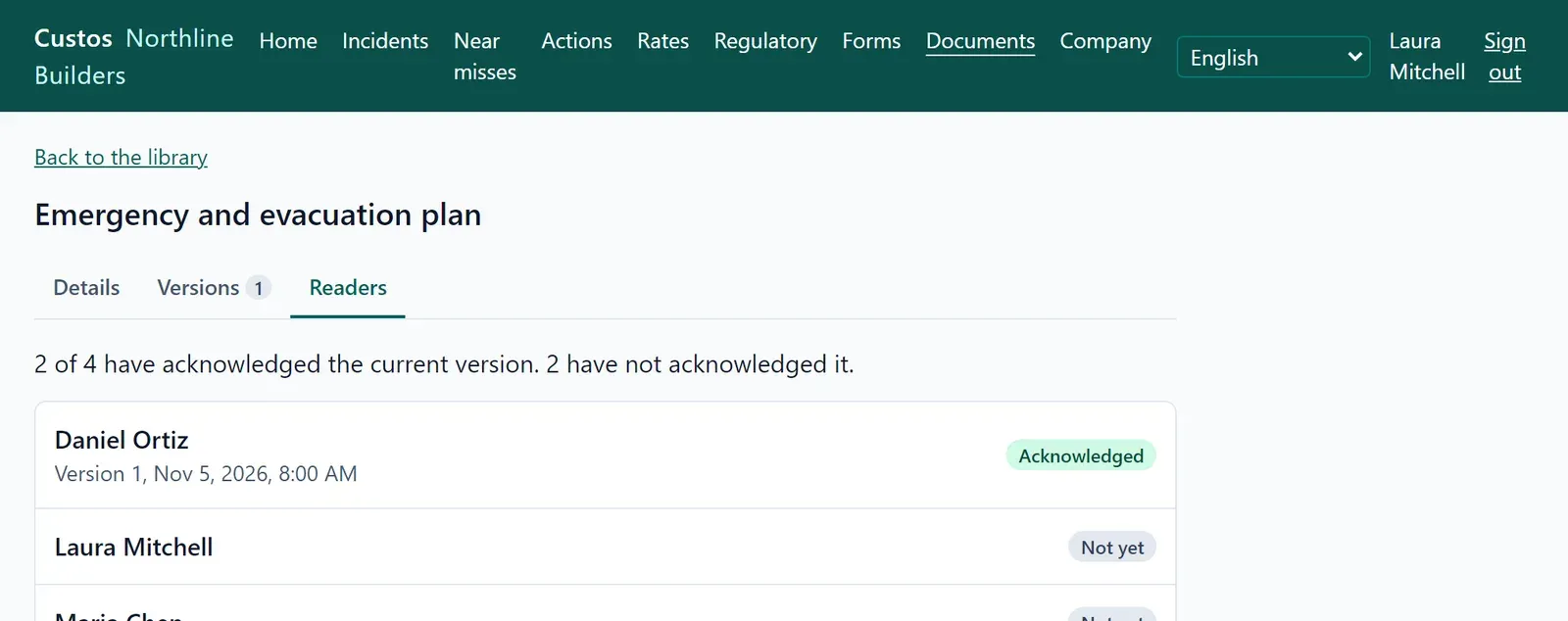
Section titled “Read-and-sign documents”Keep the company’s rules and procedures as PDFs and say who must read each one: roles, named people, or both. Readers confirm they read and understood it, and Custos records who confirmed which version and when. When you publish a new version, everyone is asked again. Visitors and contractors get a guest account that shows them only their documents.
Managing documents · Reading and acknowledging documents
Regulatory records
Section titled “Regulatory records”In many countries an injury at work must be recorded in a log, and the worst ones reported to an authority within a deadline. For each injured person, Custos works out whether the case counts and keeps track of the deadlines.
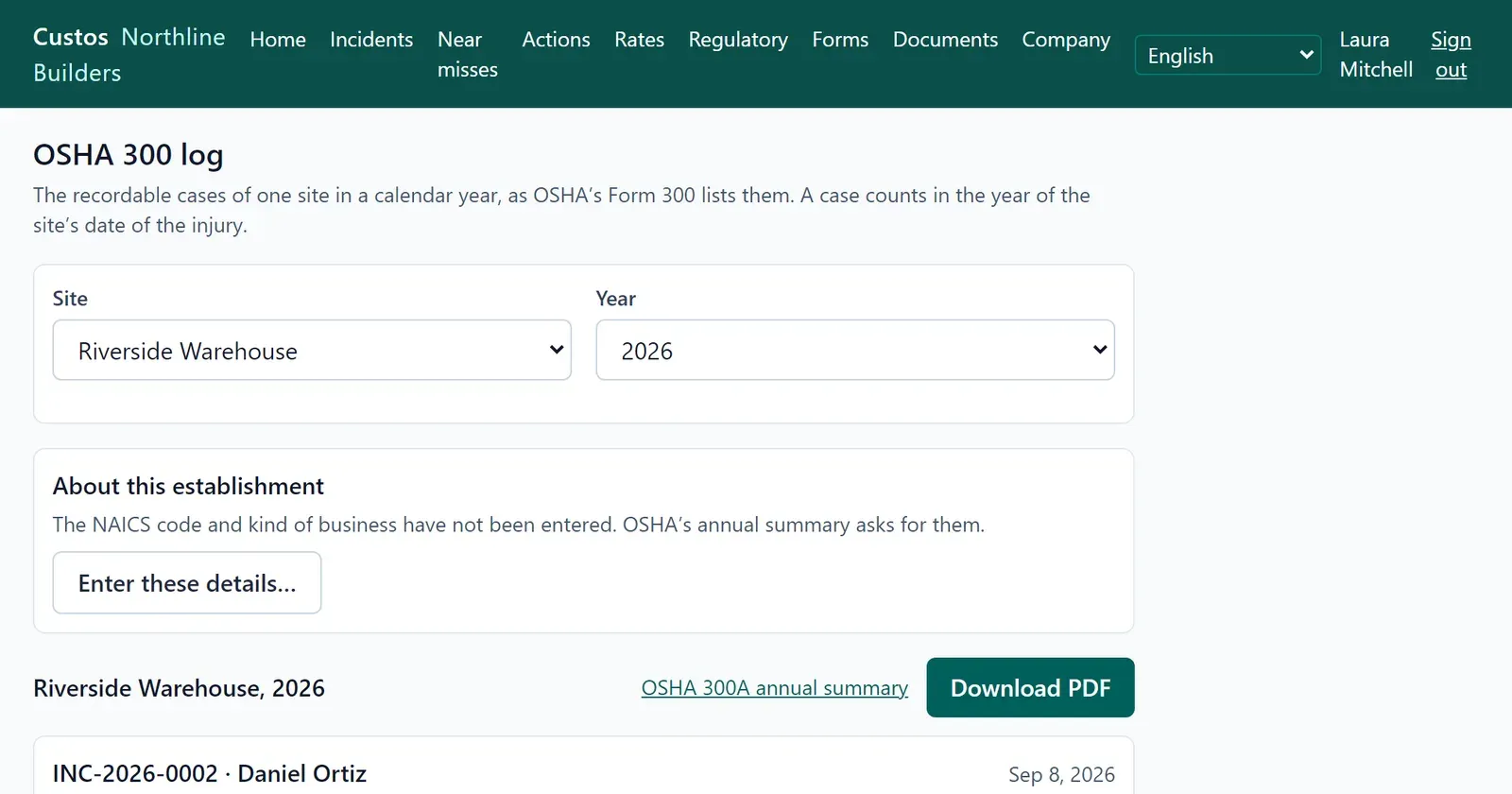
Each site follows its own country’s rules. Today Custos knows the US OSHA rules: it fills in the OSHA 300 log, Form 301 and the 300A annual summary from the incidents already recorded, as PDFs ready to sign and post. Other countries’ rules, such as the UK’s RIDDOR, can be added without changing anything else.
Regulatory decisions · OSHA logs and forms
Dashboard and injury rates
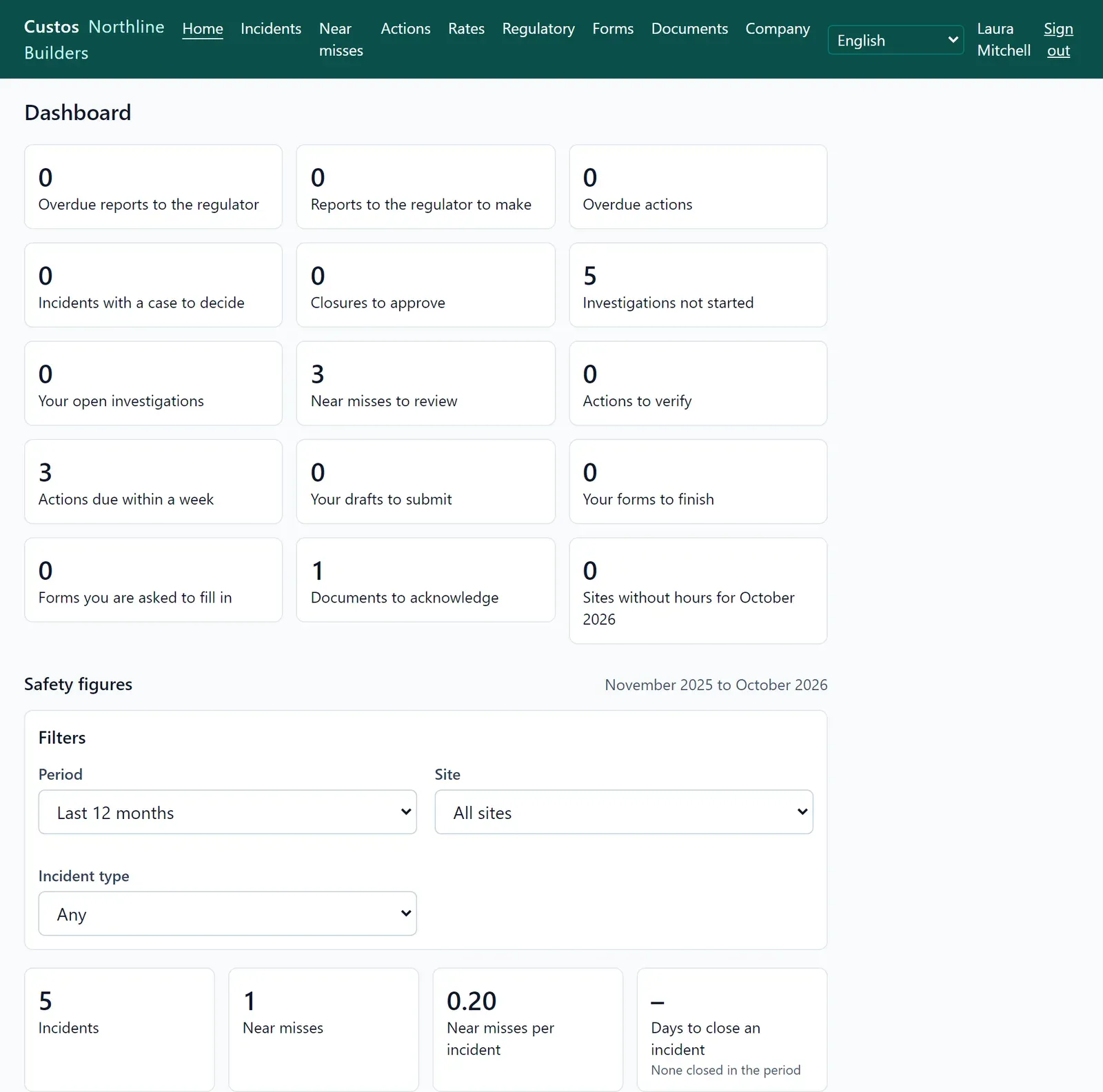
Section titled “Dashboard and injury rates”The first screen shows each person what waits for them: drafts to submit, actions to do, forms due, documents to read. Supervisors and safety managers also see how the company is doing. Every number is a link to the list behind it.
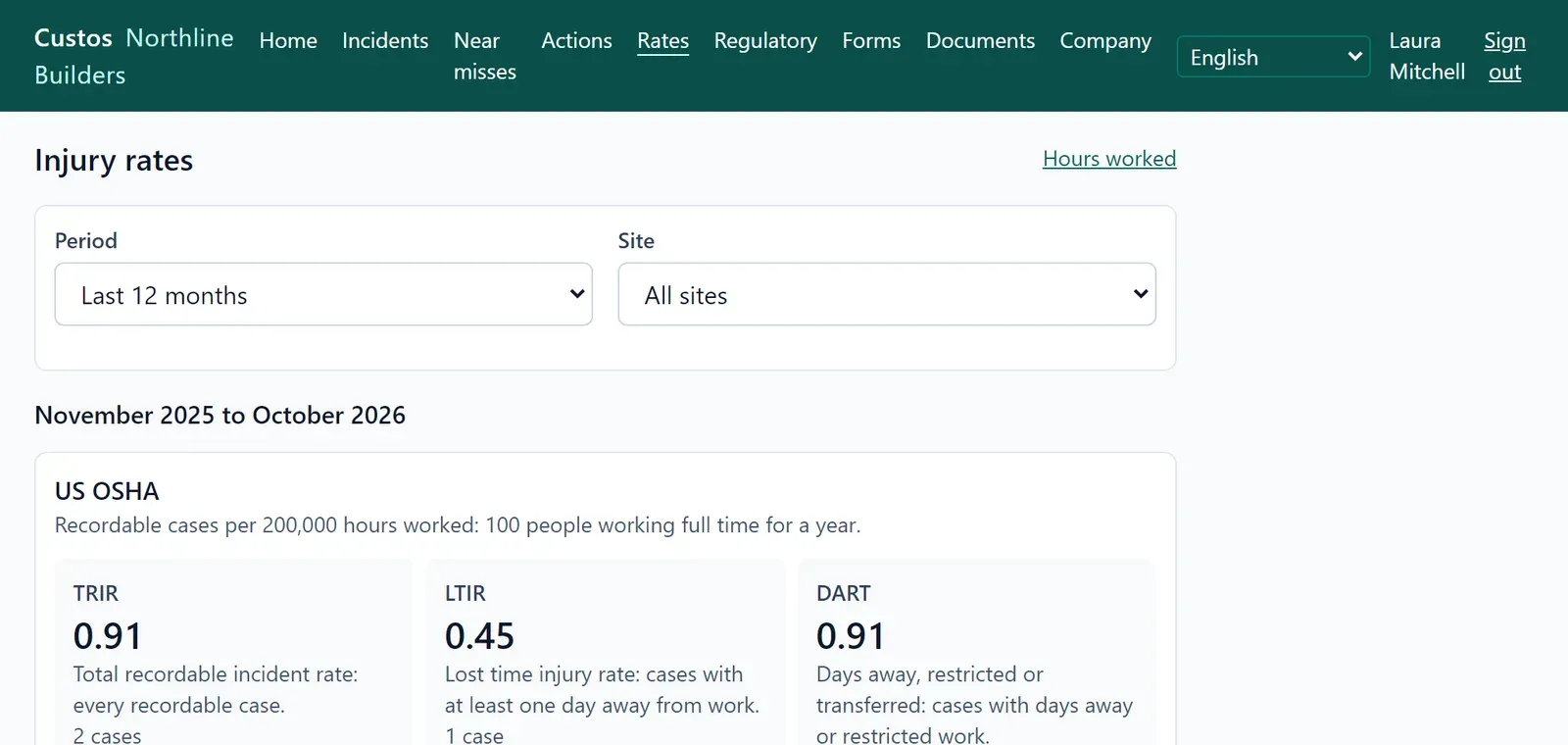
Enter the hours worked per site and month, and Custos calculates the TRIR, LTIR and DART rates, so sites and months can be compared fairly.
The dashboard · Hours worked and injury rates
Your company, your sites, your people
Section titled “Your company, your sites, your people”- Sites carry their own time zone, so dates and deadlines mean the day at the site, and their own country’s rules.
- Roles decide what each person sees. A worker sees only their own reports. Medical details stay with the people who need them.
- Each company’s data is kept apart from every other company’s, in a separate area of the database.
- Languages: English and Serbian today. Every screen and message is translated, and so is the PDF of a filled-in form; more languages can be added.